 Pullbell
 / Deploy-failed notification
Get a notification when a GitHub deploy or release workflow fails
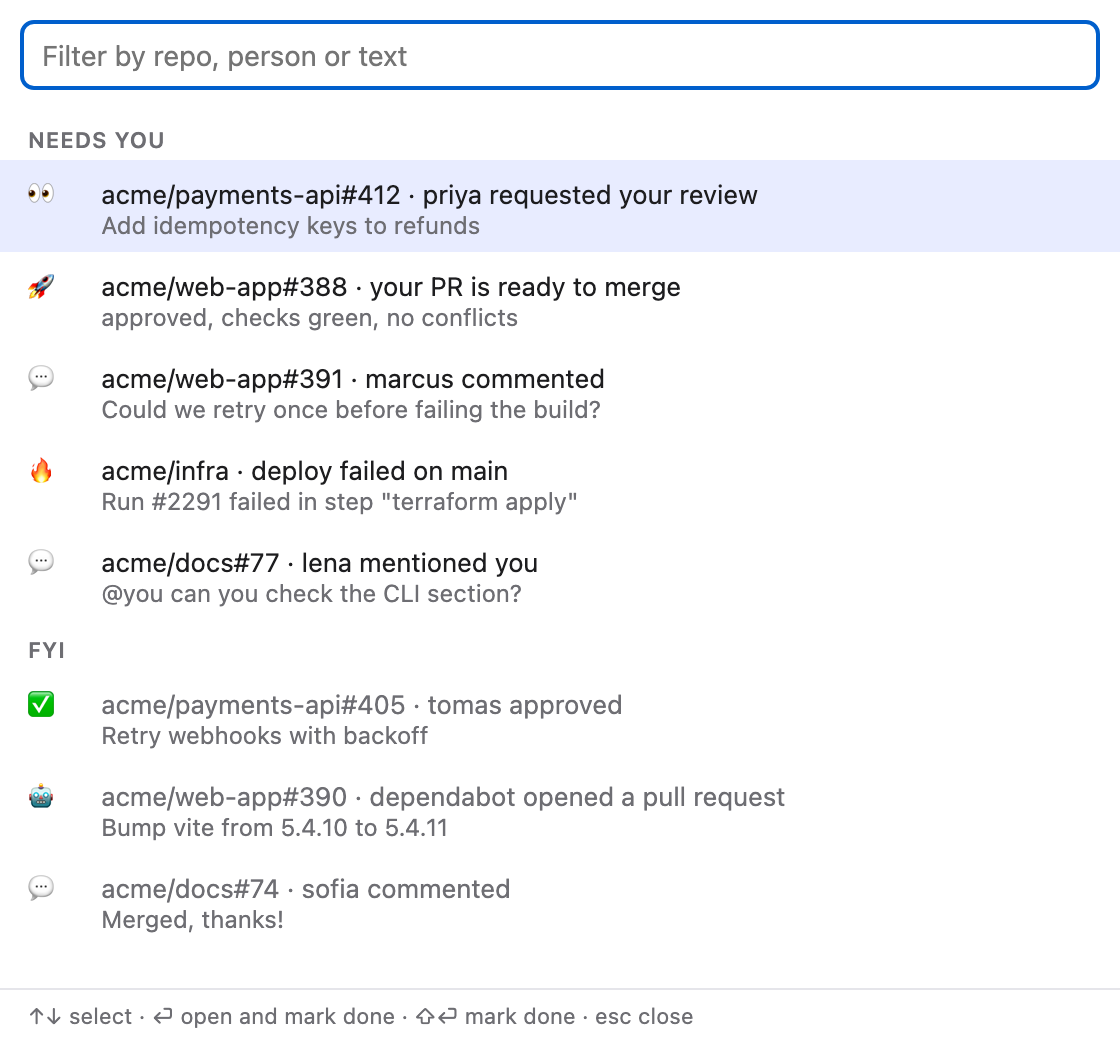
A failed deploy on main is one of the few CI events worth interrupting you for. Most of the rest is noise. Here is how Pullbell separates them.
macOS 13 or newer, Apple silicon and Intel. Source on GitHub.
The problem with CI notifications
GitHub sends a notification for every workflow run you triggered. Most are green and most failures are your own test run, which you will see anyway. The one that matters, the deploy that broke on the default branch, gets buried.
What Pullbell does
- 🔥 Deploy failed rings when a deploy, release or publish workflow fails on a watched repo's default branch.
- The name pattern is configurable in Settings, then Alerts. The default is
deploy|release|publish. - Ordinary CI run notifications are ignored by default, so they do not fill the list. Set CI run notifications to FYI if you want them listed, quietly.
- In My PRs (⌃⌘P) each PR still shows a CI glyph, so failing checks on your own PRs stay visible.
Choosing which repos to watch
By default Pullbell watches everything GitHub notifies you about. You can instead watch only the repos of the GitHub teams you pick plus extra repos you type as owner/name, and mute repos completely.
See also reduce GitHub notification noise.
Frequently asked questions
Which workflows count as a deploy?
Workflows whose name matches the pattern in Settings. The default pattern is deploy|release|publish.
Will I be notified of every failing CI run?
No. CI run notifications are ignored by default. You can list them quietly by setting them to FYI.
Does it need access to my repos?
It signs in with GitHub using the notifications, repo and read:org scopes, and the token stays in your macOS Keychain.
Does Pullbell send my data anywhere?
No. It talks only to GitHub's API with your token.
macOS 13 or newer, Apple silicon and Intel. Source on GitHub.