 Pullbell
 / Install Pullbell on Mac
Install Pullbell on Mac: Homebrew or dmg, and sign in with GitHub
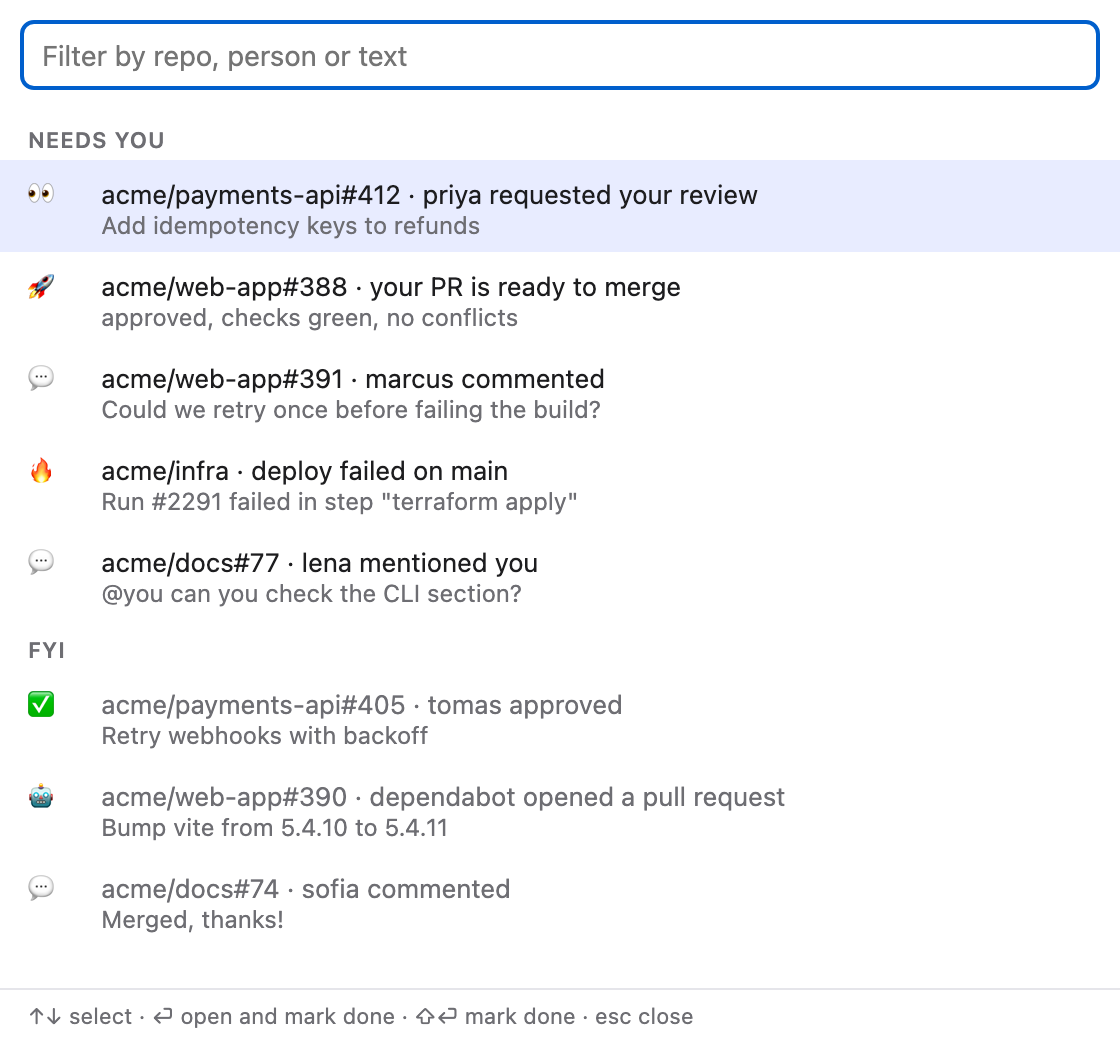
Pullbell is free and open source. This page covers both install routes, the first-run warning, signing in, and what the welcome window sets up.
macOS 13 or newer, Apple silicon and Intel. Source on GitHub.
Option 1: Homebrew
brew install --cask aaronsuns/tap/pullbellThe cask also clears the quarantine flag for you, so Pullbell opens right away.
Option 2: the dmg
- Download
Pullbell_x.y.z_universal.dmgfrom the latest release and drag Pullbell to Applications. It needs macOS 13 or newer, Apple silicon or Intel. - Pullbell is signed but not notarized by Apple (that needs a paid Apple developer account), so macOS refuses to open it the first time. Clear the quarantine flag once in Terminal:
xattr -dr com.apple.quarantine /Applications/Pullbell.app - Open Pullbell. A bell appears in the menu bar and the welcome window opens.
Sign in with GitHub
Pullbell shows a short code, also copied to your clipboard, and opens GitHub's device page. Paste the code there and approve. Pullbell asks for the notifications, repo and read:org scopes, and keeps the token in your macOS Keychain, never on disk. If your organization uses SAML single sign-on, the menu shows an Authorize for <org> item: click it once.
Choose what to watch
Everything (the default), or only the repos of the GitHub teams you pick plus extra repos you type as owner/name. Then allow notifications with Send test banner. Start at login is on by default.
Shortcuts
⌃⌘G opens the queue, ⌃⌘P opens My PRs, ⌃⇧⌘G refreshes now. All can be changed in Settings.
Frequently asked questions
Why does macOS refuse to open Pullbell the first time?
The app is signed but not notarized by Apple. Run xattr -dr com.apple.quarantine /Applications/Pullbell.app once, or install with Homebrew, which does it for you.
Does Pullbell update itself?
Yes. It checks at start and every 6 hours and can install updates in the background.
How do I uninstall it?
Quit it from its menu, move Pullbell.app to the Trash, and remove ~/Library/Application Support/se.zexa.pullbell and ~/Library/Logs/Pullbell.
I get no banners. What should I check?
System Settings, then Notifications, then Pullbell, and that the kind is ticked in Settings, then Alerts.
macOS 13 or newer, Apple silicon and Intel. Source on GitHub.